

Repair or Replace? The Business Case for an AV System Upgrade
Most aging AV systems don’t fail all at once. They just get harder to live with. The projector takes a little longer to warm up. One wireless mic cuts out, so everyone learns to avoid it. There’s a sticky note on the rack that says “do not touch this switch.” The person who really knew the system moved on a few years ago.
Nothing is broken enough to force a decision, so the decision keeps getting pushed. Another repair, another service call, another workaround.
We get asked some version of this question all the time: should we keep fixing it, or is it time to replace it? There isn’t one answer for every building. But there is a practical way to think it through, and it starts with being honest about what the current system is really costing you.
The repair invoice isn’t the whole cost
When people compare repair against replacement, they usually compare a repair bill to an upgrade quote. That leaves out most of the real cost of an aging system.
Downtime at the wrong moment. A dropped livestream during a funeral service. A boardroom display that won’t connect five minutes before a client presentation. A lecture that starts fifteen minutes late. These moments cost more than any service call, and they’re the ones people remember.
Staff and volunteer time. Every workaround needs someone who knows it. When your IT team, facilities staff, or Sunday volunteers spend time babysitting equipment, that’s time they aren’t spending on their actual jobs.
Parts that don’t exist anymore. Older equipment eventually reaches end of life. Manufacturers stop making replacement parts and stop updating firmware. At that point repairs get slower, more expensive, and sometimes impossible.
A system that no longer fits how you work. Plenty of systems were designed before livestreaming, hybrid meetings, and laptops that only have USB-C. A system can be working perfectly and still not do what your organization needs today.
Security and IT risk. AV equipment lives on your network now. Devices that no longer get updates can become a problem for your IT department, not just your AV team.
When repair makes sense
Replacing a system isn’t always the right move. We’d tell you to repair it when:
- The system is fundamentally sound and the problem is a single, isolated failure
- Replacement parts are still available and the equipment is still supported by the manufacturer
- The system still does what your people need it to do
- You have a renovation or expansion planned soon and a repair can carry you until then
In those cases, a good repair is a smart use of money. Ripping out a system that works just to have something newer isn’t a business case.
When it’s time to replace
The picture changes when you see more than one or two of these:
- The same problems keep coming back, or one repair leads to the next
- Key components are discontinued or no longer supported
- The way you use the space has changed, but the system hasn’t
- The system has become a patchwork of different brands and add-ons that nobody fully understands
- Staff or volunteers avoid using it, or only one person can run it
- Your IT department has raised concerns about equipment on the network
At that point, repairs stop being maintenance. They become band-aids. Each one buys a little time but doesn’t solve the underlying problem, and the money spent on them doesn’t move you any closer to a system that works.
A simple way to look at the return
You don’t need a complicated spreadsheet to start. Pull together a few numbers and answer a few questions:
- Add up what you’ve spent on repairs, service calls, and rental equipment over the last two or three years.
- Count the failures that actually mattered. The ones people noticed, complained about, or had to apologize for.
- Estimate how much staff and volunteer time goes into keeping the system running.
- Ask what a failure costs you at the worst possible moment. For a church, that might be a holiday service. For a business, a client meeting or a board presentation.
- Compare all of that to a planned upgrade spread over the years you’ll use it.
When people do this exercise honestly, the answer is usually clear. Sometimes it confirms that a repair is the right move. Often it shows that the old system has been the more expensive option for a while.
What this looks like for churches
For a house of worship, the question isn’t really about equipment. It’s about whether the message reaches every seat in the room and every person watching online. If the sound is uneven in the back rows, if the stream regularly drops, or if your volunteers dread running the board, the system is getting in the way of the ministry. A well-designed upgrade should make Sunday, or any service, easier to run and better to experience.
What this looks like for businesses
For an organization, it comes down to reliability and how people work. Conference rooms that don’t behave the same way twice generate support tickets and waste meeting time. When every room works the same way, people stop thinking about the technology. That’s what standardized, commercial-grade systems are built to do. Your IT team supports one approach instead of a dozen, and your people can walk into any room and start the meeting.
Upgrading doesn’t always mean starting over
A common worry is that replacing a system means tearing everything out. Often it doesn’t. Depending on what’s there, existing cabling, infrastructure, and some equipment can stay in place. Upgrades can also be phased, starting with the pieces that are failing or holding everything else back.
The key is having a plan for the whole system before you start. Upgrading one piece at a time without a design is how most organizations end up with a patchwork in the first place.
Keep the new system from becoming the next old one
A new system is only as good as how it’s taken care of. That’s why we pair our installations with our Service Preservation Program, which keeps the system maintained, updated, and running the way it was designed to run. It’s a lot easier to protect an investment than to rebuild one.
Start with a walk-through
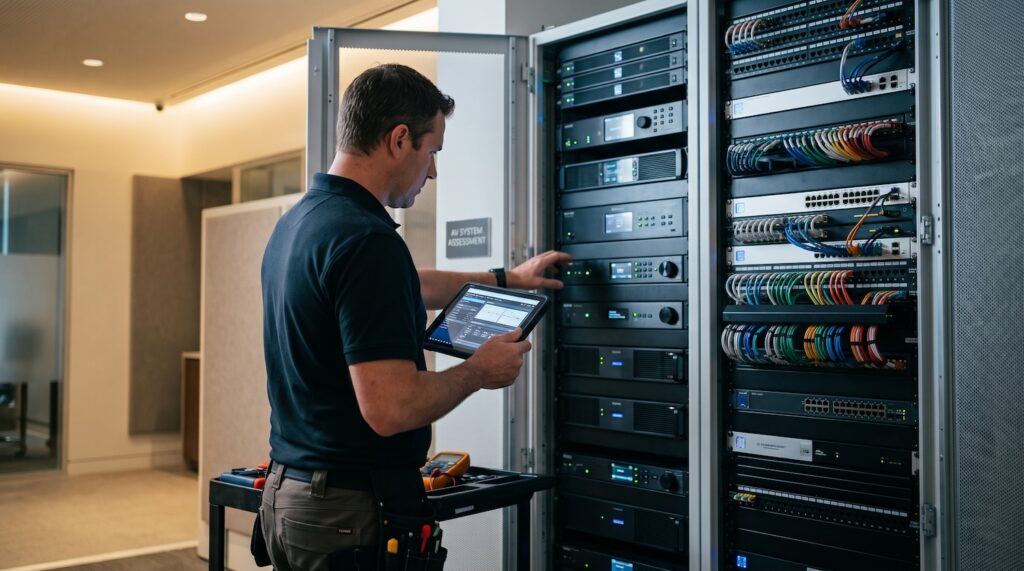
If you’re on the fence about repairing or replacing, the best next step is a walk-through. We’ll look at your space and your current equipment, talk with the people who use it, and give you an honest read on what’s worth keeping and what isn’t. Sometimes that means a repair. Sometimes it means a plan.
Audio-Video Group has designed, installed, and supported commercial AV systems across Maryland, Virginia, DC, Pennsylvania, and West Virginia since 2000. Call us at 1.800.668.4988 or request a walk-through below.
Frequently Asked Questions
How do I know if I should repair or replace my AV system?
Repair makes sense when the system is sound, parts are still available, and it still meets your needs. Replacement makes sense when problems keep coming back, key parts are discontinued, the way you use the space has changed, or the system has become a patchwork nobody fully understands.
What are the hidden costs of keeping an old AV system?
Beyond repair bills, an aging system costs you in downtime at important moments, staff and volunteer time spent on workarounds, slower and more expensive repairs as parts disappear, and security concerns when equipment on the network no longer receives updates.
Do I have to replace my entire AV system at once?
Not always. Existing cabling, infrastructure, and some equipment can often stay in place, and upgrades can be phased. The important part is having a design for the whole system before you begin, so each phase fits the plan.
When should a church upgrade its sound or livestream system?
When the system gets in the way of the service. Uneven sound in parts of the room, livestreams that drop, and volunteers who struggle to run the equipment are all signs that an upgrade will do more for the ministry than another repair.
Who helps churches and businesses evaluate AV upgrades in Maryland, Virginia, and DC?
Audio-Video Group, based in Frederick, Maryland, has designed, installed, and supported commercial AV systems since 2000 for houses of worship, corporate offices, schools, and healthcare facilities across Maryland, Virginia, DC, Pennsylvania, and West Virginia. Projects typically start with an on-site walk-through.